01
AnyDesk / RuDesktop
Through an existing service PC or IPC on site. I work on the customer’s computer; access to the equipment and, where needed, suitable engineering software must be available.
Work on the customer’s computer Wladimir PoljakovIndustrial Automation Specialist
Industrial automation · Remote Service
I help investigate faults in PLCs, HMIs, drives and industrial communication – remotely, where the equipment and access conditions allow it.
Three ways to connect
We choose an appropriate connection for your installation. Access and permissions are agreed with you or your IT team beforehand.
Through an existing service PC or IPC on site. I work on the customer’s computer; access to the equipment and, where needed, suitable engineering software must be available.
Work on the customer’s computerWe use your company’s existing remote-access infrastructure. Reachable networks, components and permitted work are agreed with your IT team.
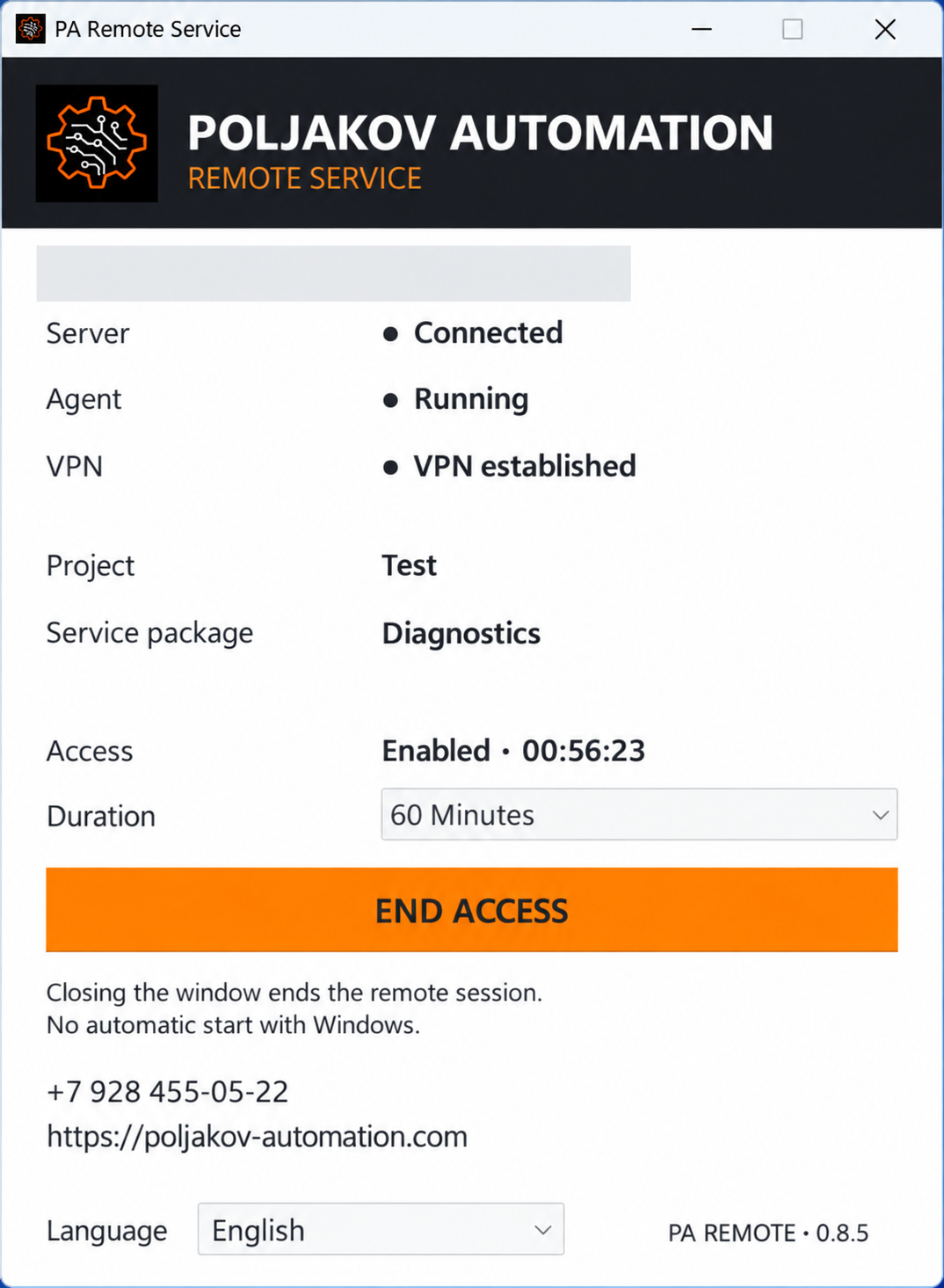
Existing infrastructurePoljakov Automation’s own remote-service solution: prepared access for subsequent work with reachable automation components. A suitable computer or supported access solution and its configuration are required.
Developed by Poljakov AutomationEngineering software does not always need to be installed on the customer’s PC: with suitable network access, it may run on the specialist’s computer. Devices, protocols and permissions are checked for each installation.
Our own development
Prepared access for subsequent diagnostics and support of your equipment.
Poljakov Automation’s solution helps organise agreed service access. It requires suitable client software setup or a supported access point, a connection to the equipment network and the customer’s authorisation.
Access does not mean compatibility with every device. Capabilities depend on equipment, protocols, the network and permissions.
 Enlarge screenshot
Conceptual connection path, not a real customer network. Controllers are not exposed directly to the public internet.
From enquiry to outcome
Briefly describe the situation and send fault messages, available photos and documentation.
We check the available access method and connect after your authorisation.
I systematically analyse programs, messages, actual signals and communication.
We discuss the next steps. Software work may be possible remotely; physical work is performed by qualified personnel on site.
Changes and results are documented. Required backups are created within the agreed scope of work.
What can be investigated
Programs, diagnostic messages, signals and interlocks.
Messages, visualisation, controller connections and archives.
Accessible parameters, messages and control-system interaction.
Drive states, enable signals and operating sequences.
Data exchange between accessible installation components.
The service computer, software and connection status.
PROFIBUS, CAN and other buses are diagnosed through suitable controllers, interfaces or gateways, depending on the installation’s architecture. An internet connection alone does not provide direct access to every fieldbus.
Before connecting
A suitable service PC, IPC or supported access point, depending on the chosen access method.
Relevant components must be reachable. Access is agreed with the responsible person or IT team.
Drawings, messages, device types and the original project help. Not having TIA Portal on site does not automatically rule out remote diagnostics.
A qualified person on the customer’s side may be required for equipment checks, measurements or installation work.
Not sure whether your installation is suitable for remote diagnostics? Describe the equipment – we will assess access together.
Not every fault can be resolved remotely. Where necessary, we agree an on-site visit or work by the customer’s technicians.
In practice
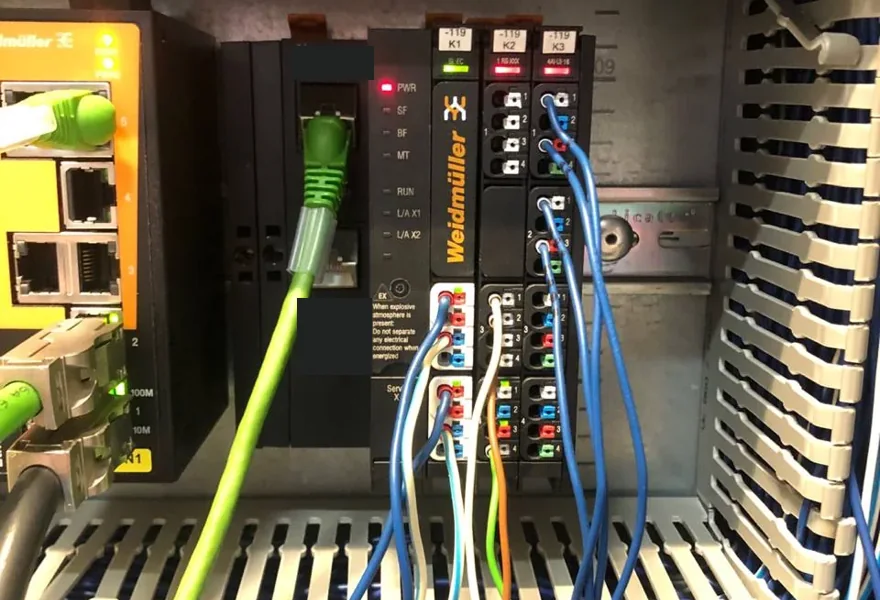
A replacement for the unavailable controller was engineered remotely, restoring TPEM ↔ Siemens S7-1500 communication via Modbus RTU/TCP. The customer’s technicians completed installation and rewiring using the prepared drawings.
Remote engineering + customer installationView case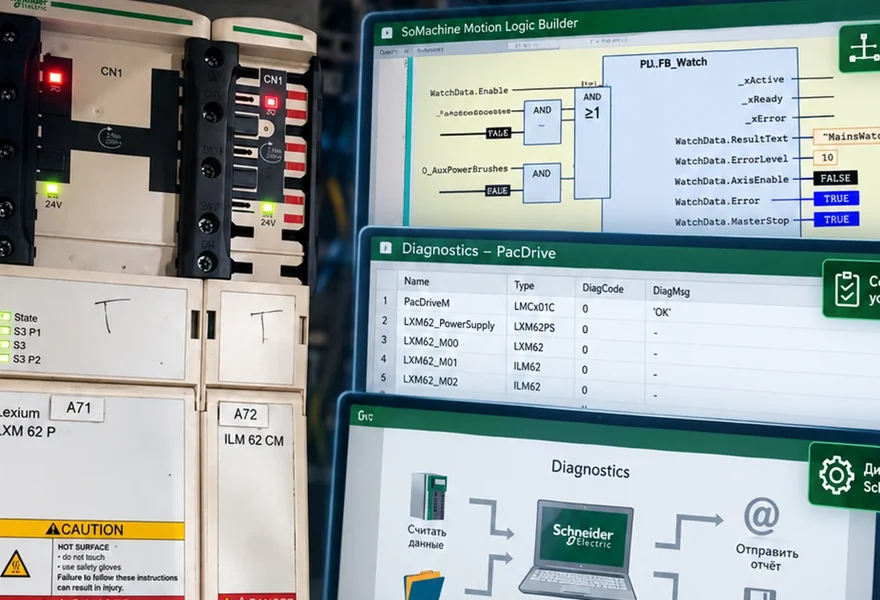
According to the published case, the cause of extended downtime was identified after approximately two hours of remote diagnostics. The machine restarted after correcting the KA20 relay contact connection.
A specific project outcome, not a response-time promiseView caseFor installations that I program and commission, one year of remote follow-up support is provided where suitable technical access is available. Scope and conditions are set out in the individual project quotation.
This does not automatically include unlimited free extensions, a warranty for third-party hardware or guaranteed fault resolution.
Follow-up support conditionsFAQ
Yes. RuDesktop, existing customer access or VPN, and PA Remote Service may be suitable where the technical conditions allow. The access method is agreed in advance.
Not always. When working through the customer’s desktop, the required software must be available there. With suitable network access, engineering software can run on the specialist’s computer. Requirements and compatibility are checked beforehand.
A brief fault description, messages, photos, device types, electrical drawings and the original project, where available. We agree which materials are needed before you send them.
For measurements, wiring checks, component replacement and other physical work. These tasks are carried out by the customer’s qualified staff. If remote work is insufficient, we agree an on-site visit or further local assistance.
Describe the installation, symptoms and available access. I will personally review the task and suggest the next step.
+7 (928) 455-05-22